

Open-source orchestration platform for data, AI, and infrastructure workflows









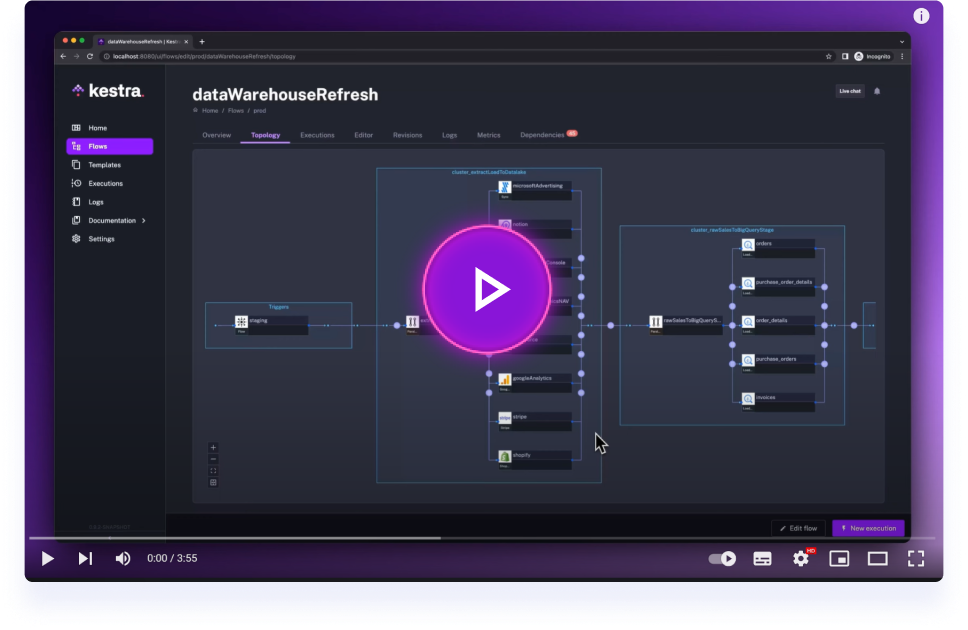
Click on the image to learn how to get started with Kestra in 3 minutes.
🌟 What is Kestra?
Kestra is an open-source, event-driven orchestration platform for data, AI, and infrastructure workflows. It unifies scheduled and event-driven automation behind a declarative, language-agnostic interface. By bringing Infrastructure as Code best practices to your data, process, and microservice pipelines, you can build reliable workflows directly from the UI in just a few lines of YAML.
📖 Table of Contents
- 🚀 Quick Start
- 🧩 Plugin Ecosystem
- 📚 Key Concepts
- 🎨 Build Workflows Visually
- 🔧 Extensible and Developer-Friendly
- 🌐 Join the Community
- 🤝 Contributing
- 📄 License
- ⭐️ Stay Updated
Key Features:
- Everything as Code and from the UI: keep workflows as code with a Git Version Control integration, even when building them from the UI.
- Event-Driven & Scheduled Workflows: automate both scheduled and real-time event-driven workflows via a simple
triggerdefinition. - Declarative YAML Interface: define workflows using a simple configuration in the built-in code editor.
- Rich Plugin Ecosystem: hundreds of plugins built in to extract data from any database, cloud storage, or API, and run scripts in any language.
- Intuitive UI & Code Editor: build and visualize workflows directly from the UI with syntax highlighting, auto-completion and real-time syntax validation.
- Scalable: designed to handle millions of workflows, with high availability and fault tolerance.
- Version Control Friendly: write your workflows from the built-in code Editor and push them to your preferred Git branch directly from Kestra, enabling best practices with CI/CD pipelines and version control systems.
- Structure & Resilience: tame chaos and bring resilience to your workflows with namespaces, labels, subflows, retries, timeout, error handling, inputs, outputs that generate artifacts in the UI, variables, conditional branching, advanced scheduling, event triggers, backfills, dynamic tasks, sequential and parallel tasks, and skip tasks or triggers when needed by setting the flag
disabledtotrue.
🧑💻 The YAML definition gets automatically adjusted any time you make changes to a workflow from the UI or via an API call. Therefore, the orchestration logic is always managed declaratively in code, even if you modify your workflows in other ways (UI, CI/CD, Terraform, API calls).
🚀 Quick Start
Launch on AWS (CloudFormation)
Deploy Kestra on AWS using our CloudFormation template:

Launch on Google Cloud (Terraform deployment)
Deploy Kestra on Google Cloud Infrastructure Manager using our Terraform module.
Get Started Locally in 5 Minutes
Launch Kestra in Docker
Make sure that Docker is running. Then, start Kestra in a single command:
docker run --pull=always -it -p 8080:8080 --user=root \
  --name kestra --restart=always \
  -v kestra_data:/app/storage \
  -v /var/run/docker.sock:/var/run/docker.sock \
  -v /tmp:/tmp \
  kestra/kestra:latest server local
If you're on Windows and use PowerShell:
docker run --pull=always -it -p 8080:8080 --user=root `
  --name kestra --restart=always `
  -v "kestra_data:/app/storage" `
  -v "/var/run/docker.sock:/var/run/docker.sock" `
  -v "C:/Temp:/tmp" `
  kestra/kestra:latest server local
If you're on Windows and use Command Prompt (CMD):
docker run --pull=always -it -p 8080:8080 --user=root ^
  --name kestra --restart=always ^
  -v "kestra_data:/app/storage" ^
  -v "/var/run/docker.sock:/var/run/docker.sock" ^
  -v "C:/Temp:/tmp" ^
  kestra/kestra:latest server local
If you're on Windows and use WSL (Linux-based environment in Windows):
docker run --pull=always -it -p 8080:8080 --user=root \
  --name kestra --restart=always \
  -v kestra_data:/app/storage \
  -v "/var/run/docker.sock:/var/run/docker.sock" \
  -v "/mnt/c/Temp:/tmp" \
  kestra/kestra:latest server local
Check our Installation Guide for other deployment options (Docker Compose, Podman, Kubernetes, AWS, GCP, Azure, and more).
Access the Kestra UI at http://localhost:8080 and start building your first flow!
Your First Hello World Flow
Create a new flow with the following content:
id: hello_world
namespace: dev

tasks:
  - id: say_hello
    type: io.kestra.plugin.core.log.Log
    message: "Hello, World!"
Run the flow and see the output in the UI!
🧩 Plugin Ecosystem
Kestra's functionality is extended through a rich ecosystem of plugins that empower you to run tasks anywhere and code in any language, including Python, Node.js, R, Go, Shell, and more. Here's how Kestra plugins enhance your workflows:
-
Run Anywhere:
- Local or Remote Execution: Execute tasks on your local machine, remote servers via SSH, or scale out to serverless containers using Task Runners.
- Docker and Kubernetes Support: Seamlessly run Docker containers within your workflows or launch Kubernetes jobs to handle compute-intensive workloads.
-
Code in Any Language:
- Scripting Support: Write scripts in your preferred programming language. Kestra supports Python, Node.js, R, Go, Shell, and others, allowing you to integrate existing codebases and deployment patterns.
- Flexible Automation: Execute shell commands, run SQL queries against various databases, and make HTTP requests to interact with APIs.
-
Event-Driven and Real-Time Processing:
- Real-Time Triggers: React to events from external systems in real-time, such as file arrivals, new messages in message buses (Kafka, Redis, Pulsar, AMQP, MQTT, NATS, AWS SQS, Google Pub/Sub, Azure Event Hubs), and more.
- Custom Events: Define custom events to trigger flows based on specific conditions or external signals, enabling highly responsive workflows.
-
Cloud Integrations:
- AWS, Google Cloud, Azure: Integrate with a variety of cloud services to interact with storage solutions, messaging systems, compute resources, and more.
- Big Data Processing: Run big data processing tasks using tools like Apache Spark or interact with analytics platforms like Google BigQuery.
-
Monitoring and Notifications:
- Stay Informed: Send messages to Slack channels, email notifications, or trigger alerts in PagerDuty to keep your team updated on workflow statuses.
Kestra's plugin ecosystem is continually expanding, allowing you to tailor the platform to your specific needs. Whether you're orchestrating complex data pipelines, automating scripts across multiple environments, or integrating with cloud services, there's likely a plugin to assist. And if not, you can always build your own plugins to extend Kestra's capabilities.
🧑💻 Note: This is just a glimpse of what Kestra plugins can do. Explore the full list on our Plugins Page.
📚 Key Concepts
- Flows: the core unit in Kestra, representing a workflow composed of tasks.
- Tasks: individual units of work, such as running a script, moving data, or calling an API.
- Namespaces: logical grouping of flows for organization and isolation.
- Triggers: schedule or events that initiate the execution of flows.
- Inputs & Variables: parameters and dynamic data passed into flows and tasks.
🎨 Build Workflows Visually
Kestra provides an intuitive UI that allows you to interactively build and visualize your workflows:
- Drag-and-Drop Interface: add and rearrange tasks from the Topology Editor.
- Real-Time Validation: instant feedback on your workflow's syntax and structure to catch errors early.
- Auto-Completion: smart suggestions as you type to write flow code quickly and without syntax errors.
- Live Topology View: see your workflow as a Directed Acyclic Graph (DAG) that updates in real-time.
🔧 Extensible and Developer-Friendly
Plugin Development
Create custom plugins to extend Kestra's capabilities. Check out our Plugin Developer Guide to get started.
Infrastructure as Code
- Version Control: store your flows in Git repositories.
- CI/CD Integration: automate deployment of flows using CI/CD pipelines.
- Terraform Provider: manage Kestra resources with the official Terraform provider.
🌐 Join the Community
Stay connected and get support:
- Slack: Join our Slack community to ask questions and share ideas.
- LinkedIn: Follow us on LinkedIn — next to Slack and GitHub, this is our main channel to share updates and product announcements.
- YouTube: Subscribe to our YouTube channel for educational video content. We publish new videos every week!
- X: Follow us on X if you're still active there.
🤝 Contributing
We welcome contributions of all kinds!
- Report Issues: Found a bug or have a feature request? Open an issue on GitHub.
- Contribute Code: Check out our Contributor Guide for initial guidelines, and explore our good first issues for beginner-friendly tasks to tackle first.
- Develop Plugins: Build and share plugins using our Plugin Developer Guide.
- Contribute to our Docs: Contribute edits or updates to keep our documentation top-notch.
📄 License
Kestra is licensed under the Apache 2.0 License © Kestra Technologies.
⭐️ Stay Updated
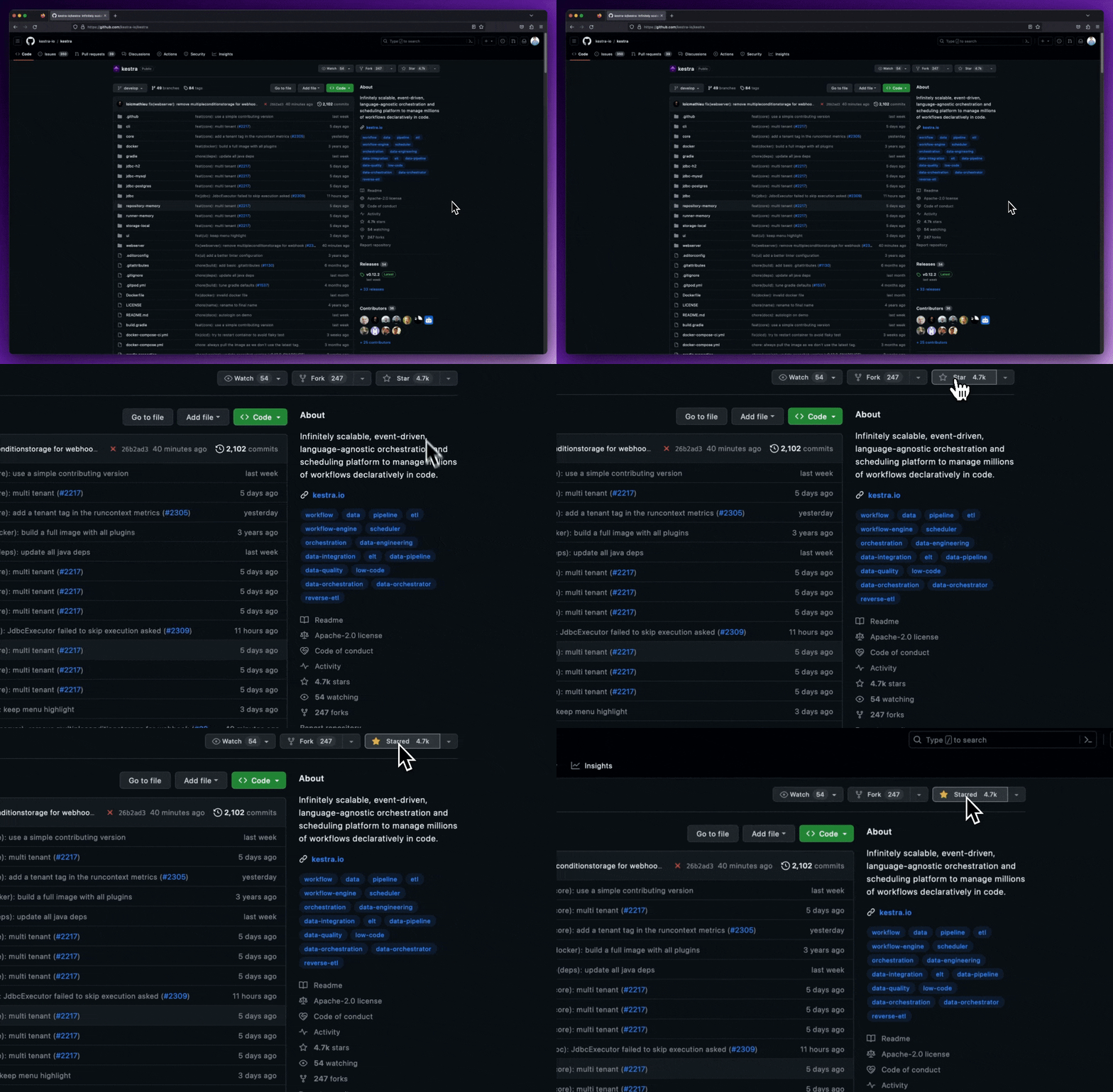
Give our repository a star to stay informed about the latest features and updates!
Thank you for considering Kestra for your workflow orchestration needs. We can't wait to see what you'll build!