
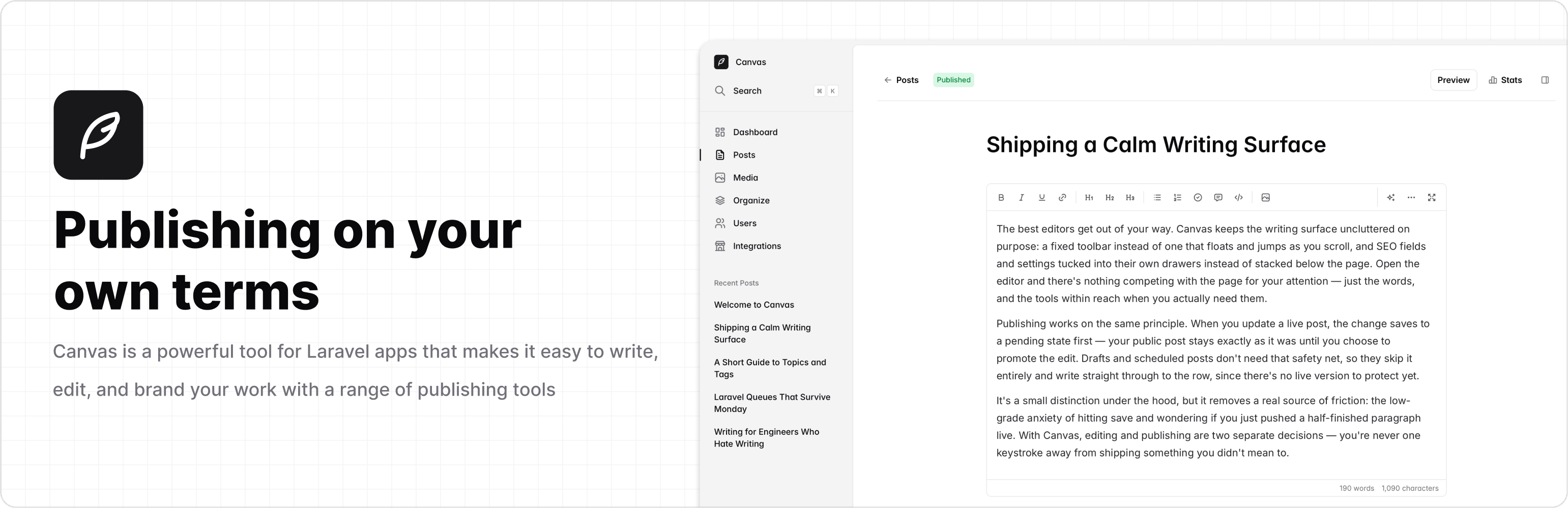




About Canvas
Canvas is an open-source publishing platform for Laravel. Drop it into an existing application, use your own authentication, and start writing.
- Distraction-free editor with tags, topics, and media uploads
- Monthly trends and reader insights
- Contributor, Editor, and Admin roles
- Integrations: Unsplash, AI writing, outbound webhooks, and weekly digest
- Optional starter reader frontend via
canvas:ui
Requirements
- PHP >= 8.3
- Laravel >= 12
- Working authentication for the guard Canvas uses (
webby default)
Installation
composer require austintoddj/canvas
php artisan canvas:install
Grant admin access to an existing user:
php artisan canvas:make-admin your@email.com
Visit /canvas in your browser.
Learn more about configuration in the documentation. Or to manage users and roles, see authorization.
Canvas UI
Canvas UI is an optional public-facing blog. It is not required for Canvas to work.
php artisan canvas:ui
Visit /canvas-ui in your browser.
Learn more about Canvas UI in the documentation. Or to build and customize your own frontend, see content.
Upgrading
Canvas follows Semantic Versioning and increments versions as MAJOR.MINOR.PATCH.
- Major versions may contain breaking changes — follow the upgrade guide for a step-by-step breakdown.
- Minor and patch versions should never contain breaking changes, so you can safely update by following the steps below.
composer update austintoddj/canvas
php artisan canvas:migrate
php artisan canvas:publish
To publish assets automatically after Composer updates, add this to your application’s composer.json:
{
    "scripts": {
        "post-update-cmd": ["@php artisan canvas:publish --ansi"]
    }
}
Contributing
Thank you for considering contributing to Canvas! The contribution guide can be found here.
Testing
composer test
License
Canvas is open-sourced software licensed under the MIT license.