

Pake
Turn any website into a lightweight desktop app with one command. Supports macOS, Windows, and Linux.
English · 中文 · 繁體 · 日本語 · 한국어 · Deutsch · Français





Features
- 🎐 Lightweight: Installer is nearly 20 times smaller than Electron packages, typically under 10 MB on disk, a lighter alternative to Nativefier and other Electron wrappers
- 🚀 Fast: Built with Rust Tauri, much faster than traditional JS frameworks with lower memory usage
- ⚡ Easy to use: One-command packaging via CLI or online building, no complex configuration needed
- 📦 Feature-rich: Supports shortcuts, immersive windows, drag & drop, style customization, ad removal
Getting Started
- Beginners: Download ready-made Popular Packages or use Online Building with no environment setup required
- Developers: Install CLI Tool for one-command packaging of any website with customizable icons, window settings, and more
- Advanced Users: Clone the project locally for Custom Development, or check Advanced Usage for style customization and feature enhancement
- Troubleshooting: Check FAQ for common issues and solutions
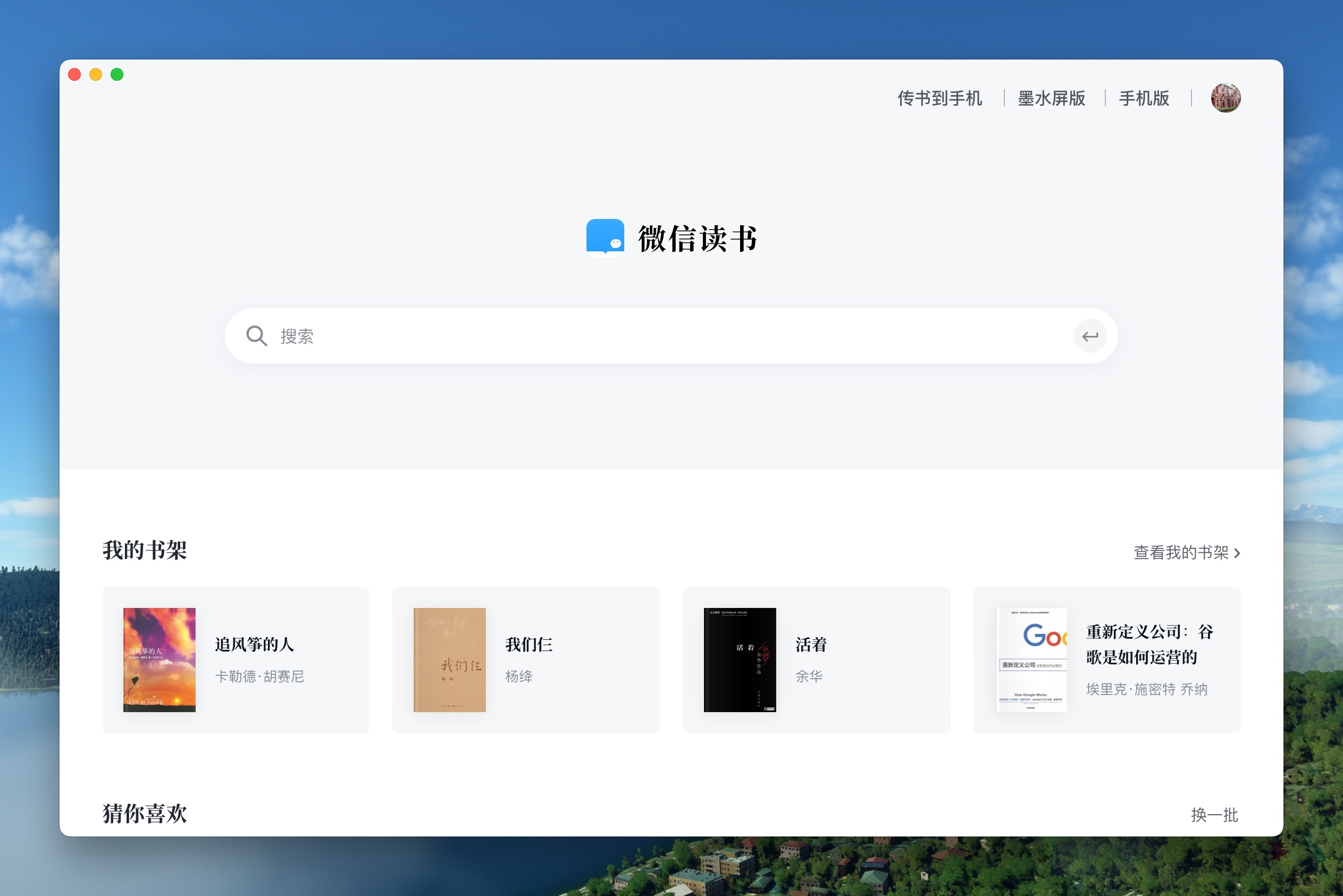
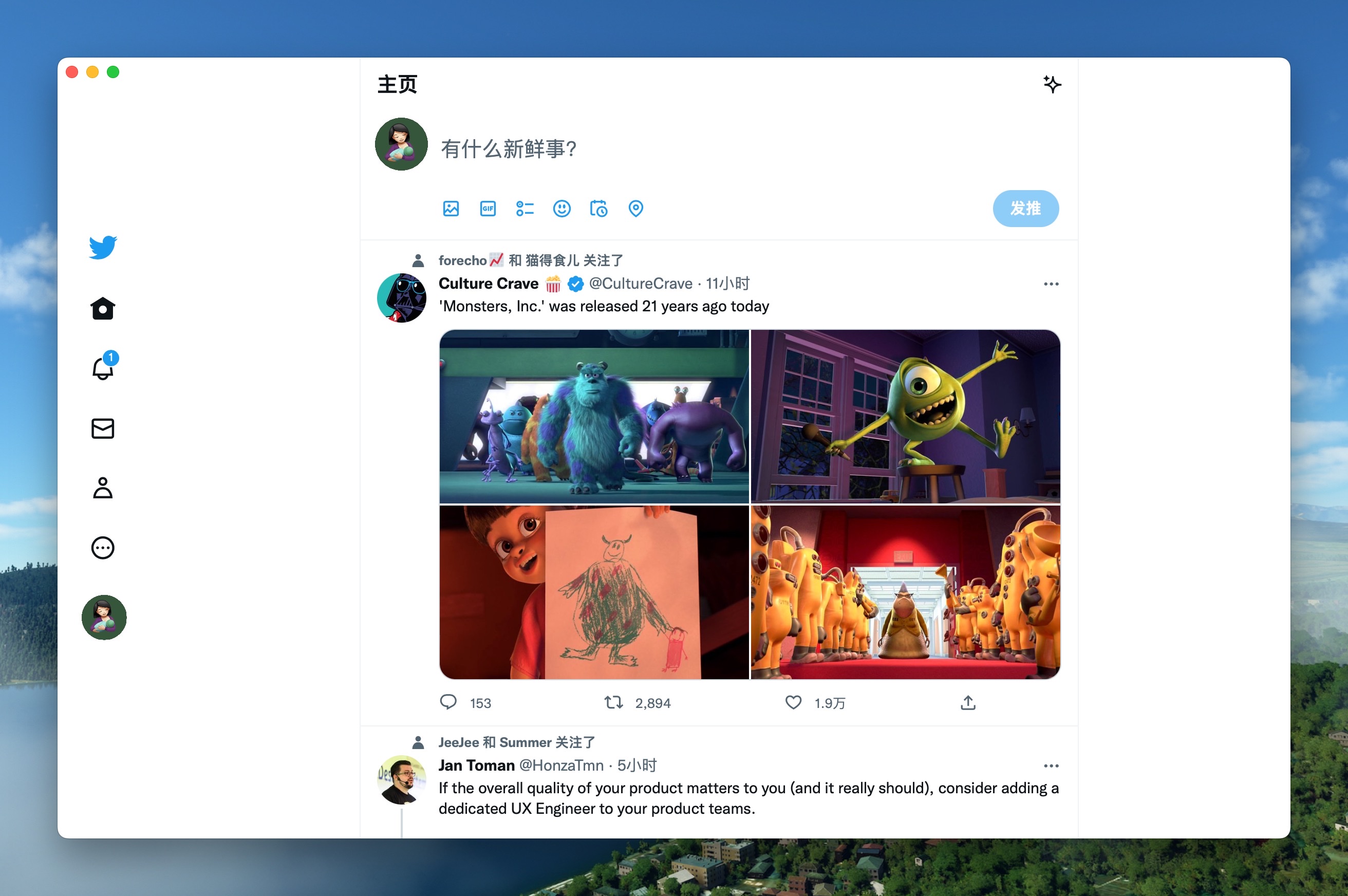
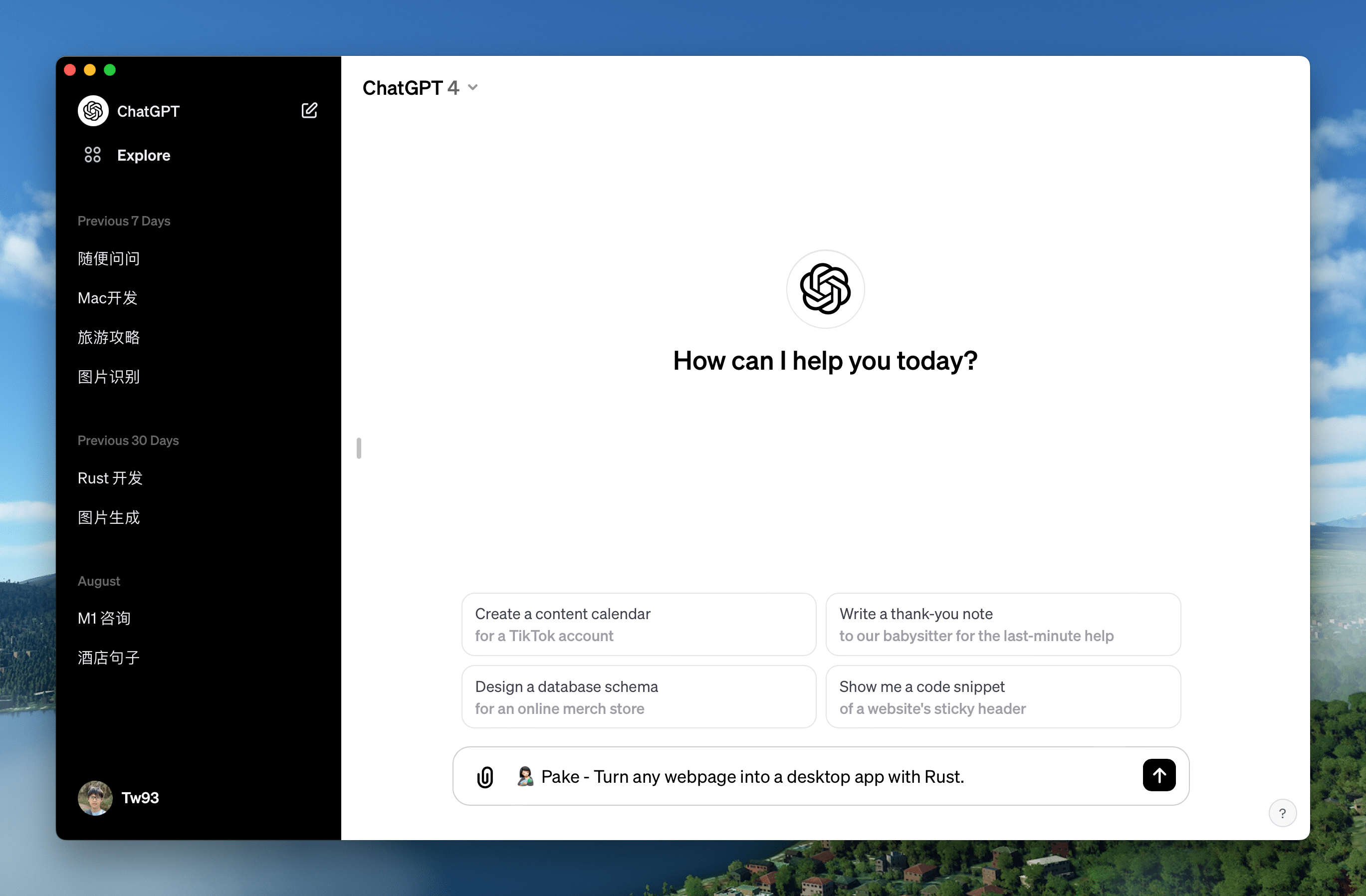
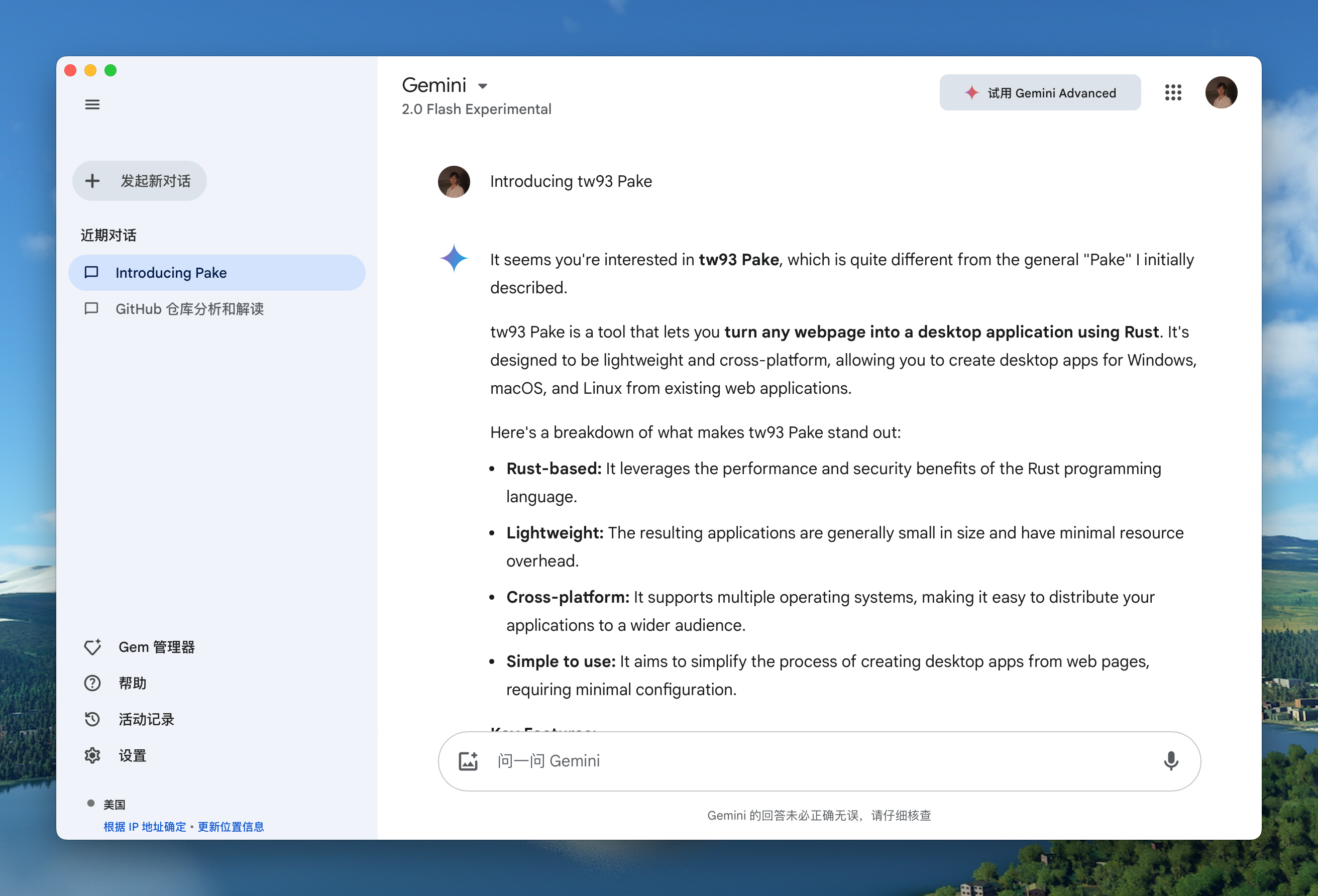
Popular Packages
| WeRead Mac Windows Linux | Twitter Mac Windows Linux |
 |
 |
| Grok Mac Windows Linux | DeepSeek Mac Windows Linux |
 |
 |
| ChatGPT Mac Windows Linux | Gemini Mac Windows Linux |
 |
 |
| YouTube Music Mac Windows Linux | YouTube Mac Windows Linux |
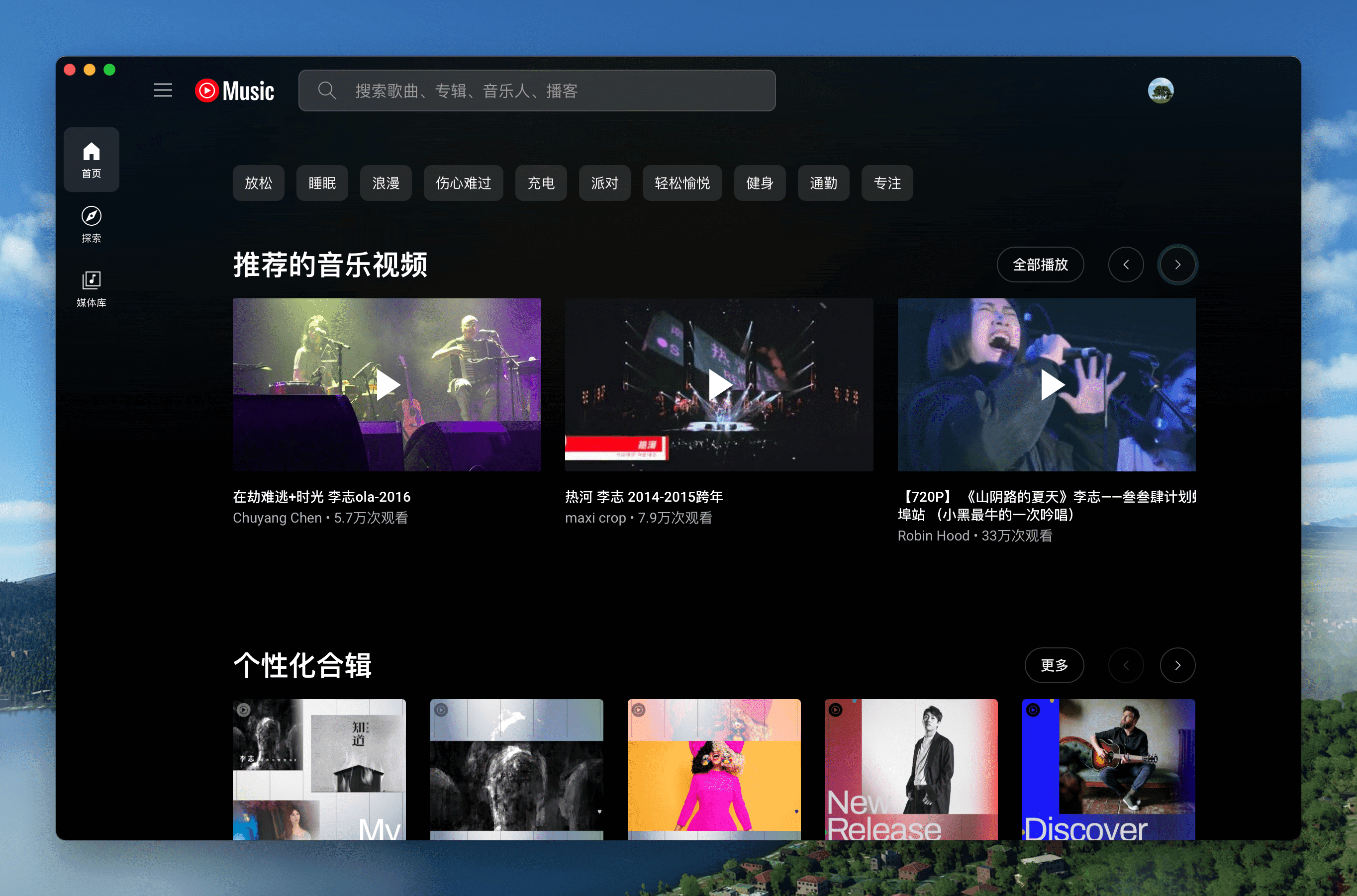 |
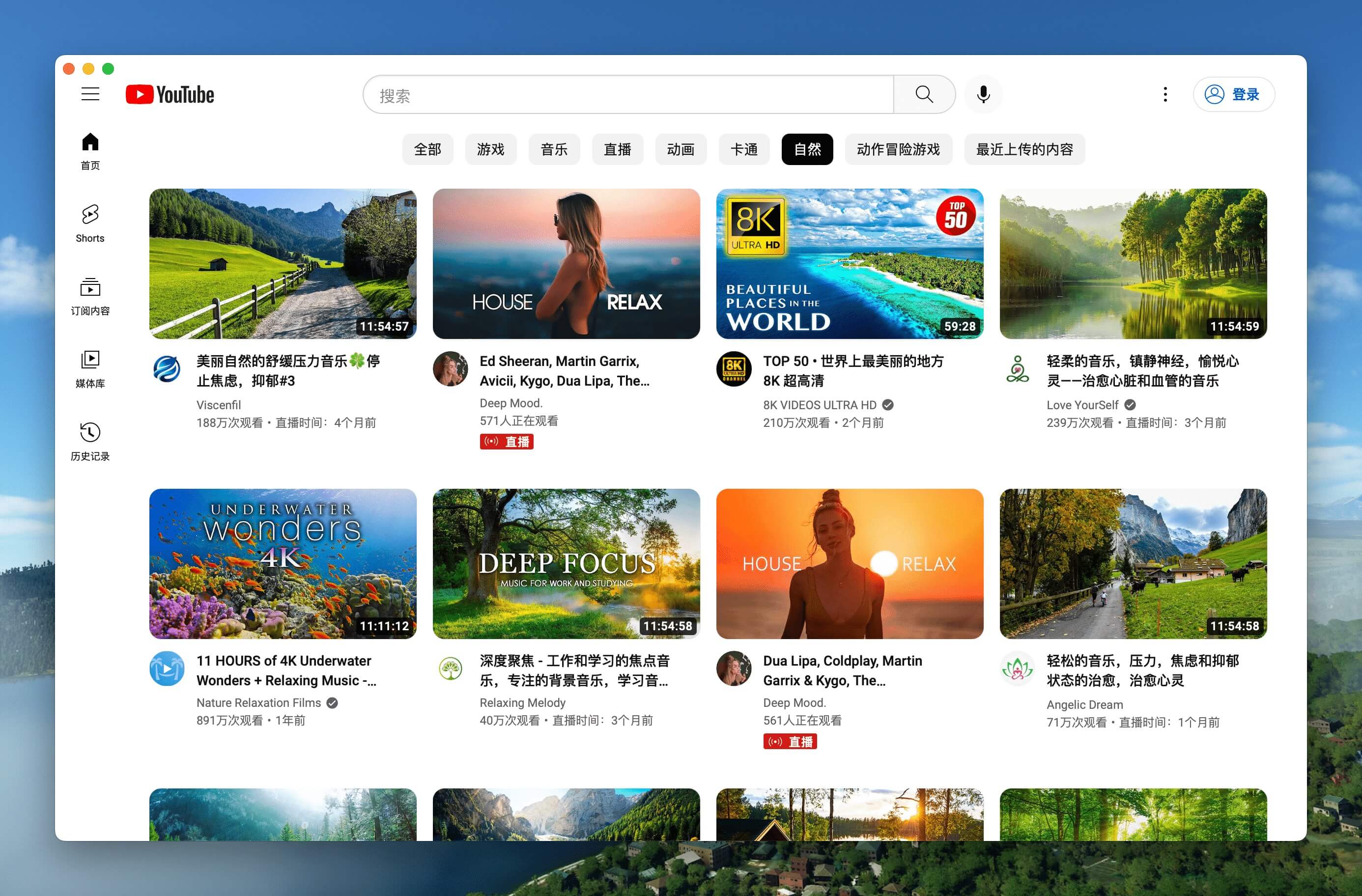 |
| LiZhi Mac Windows Linux | ProgramMusic Mac Windows Linux |
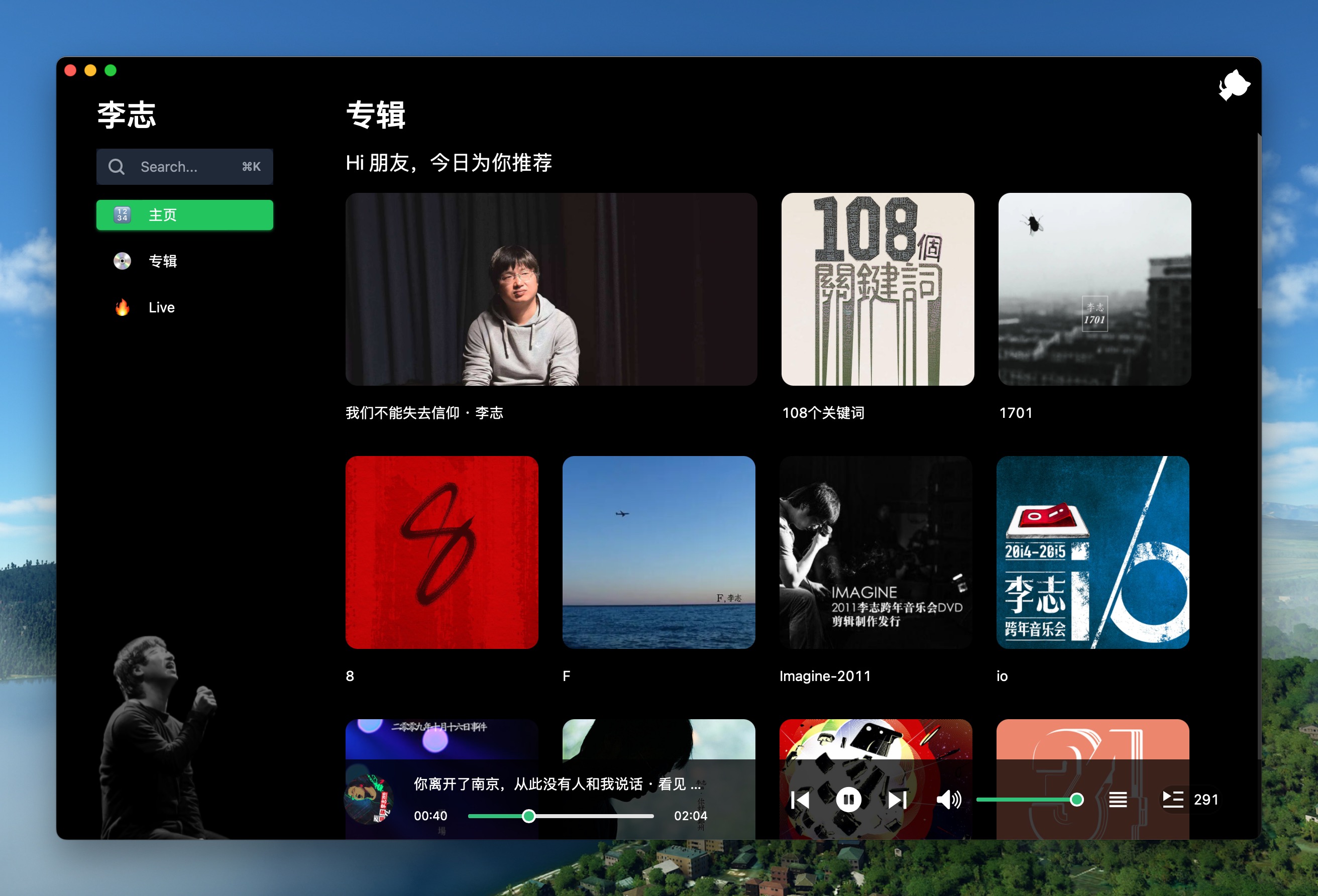 |
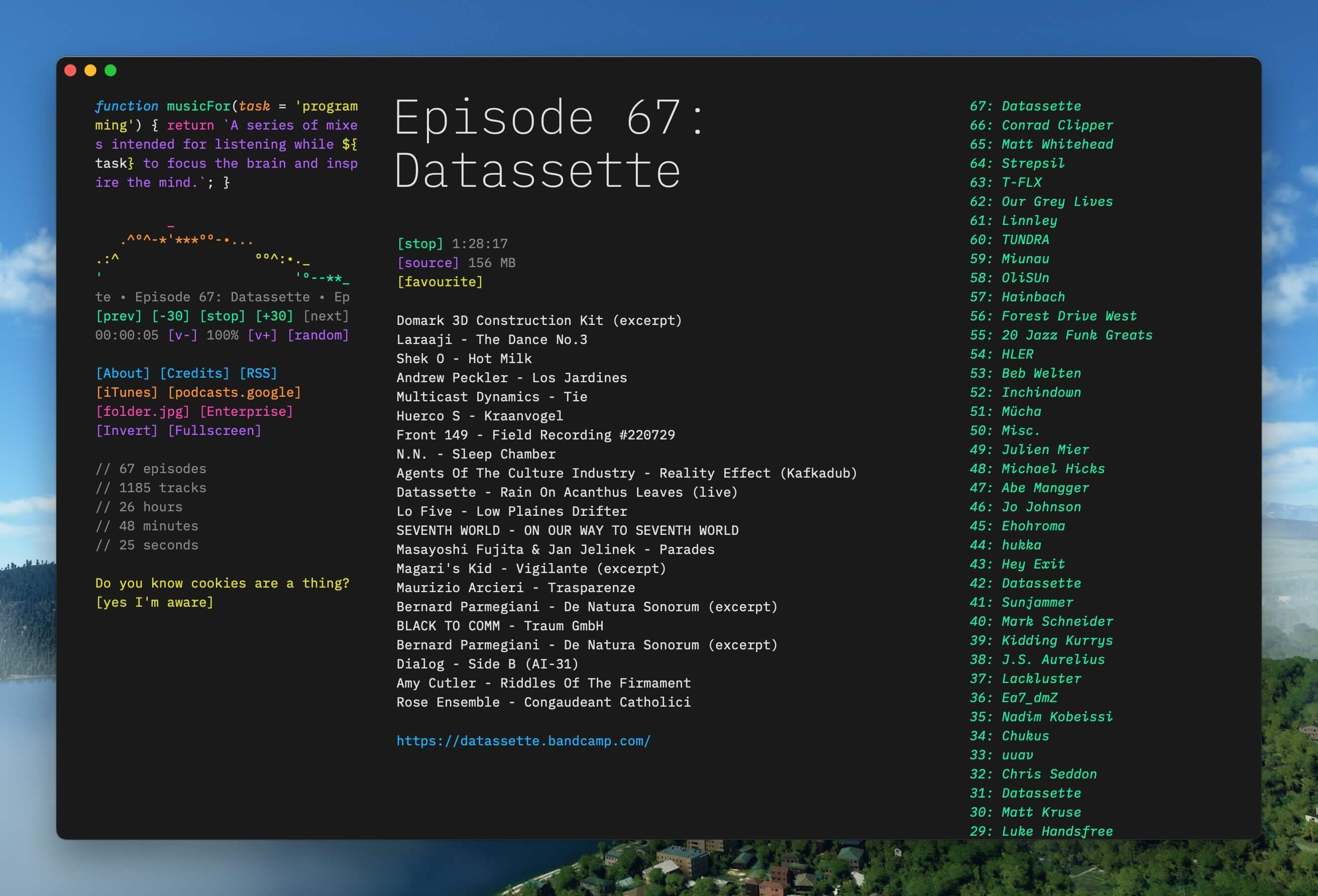 |
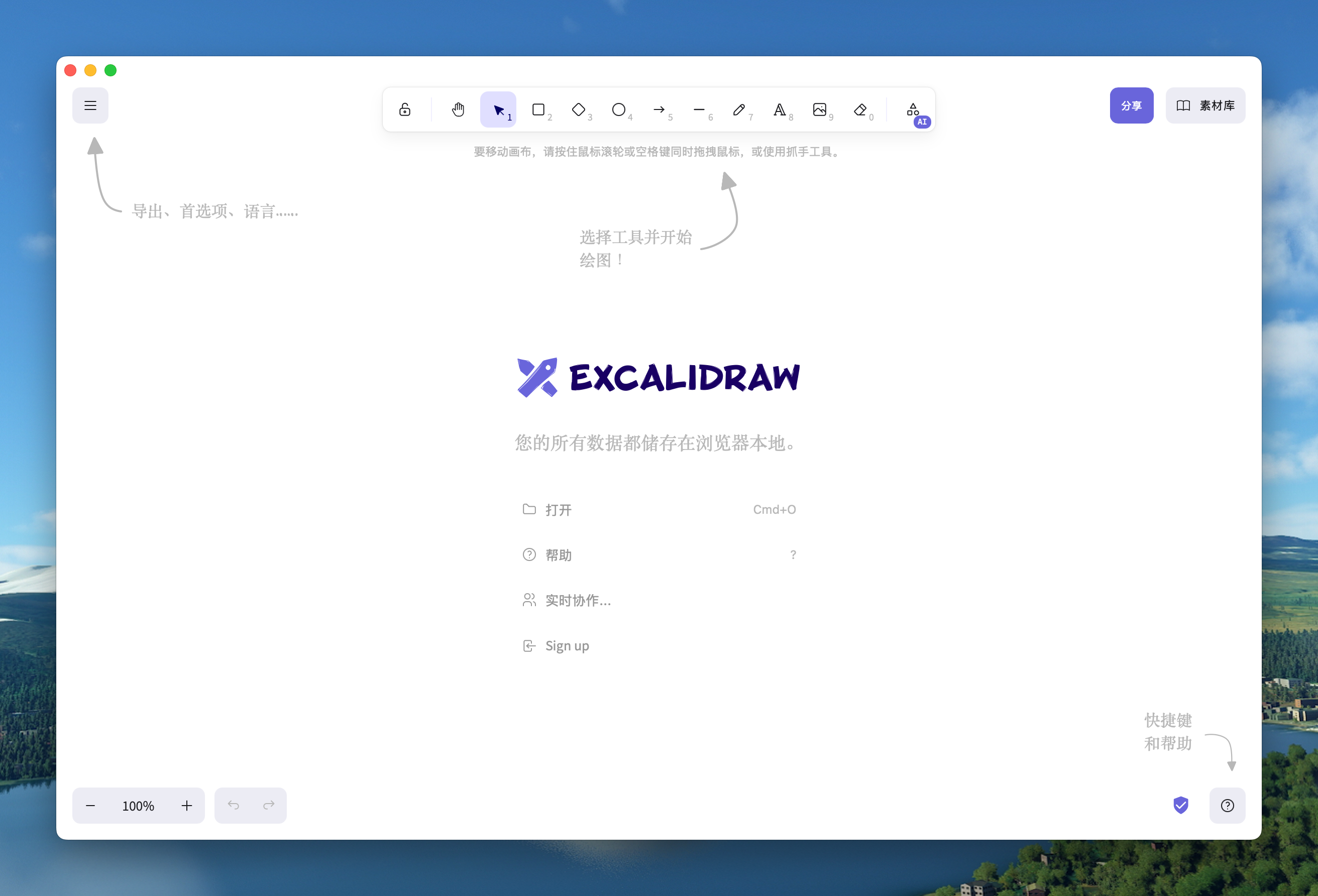
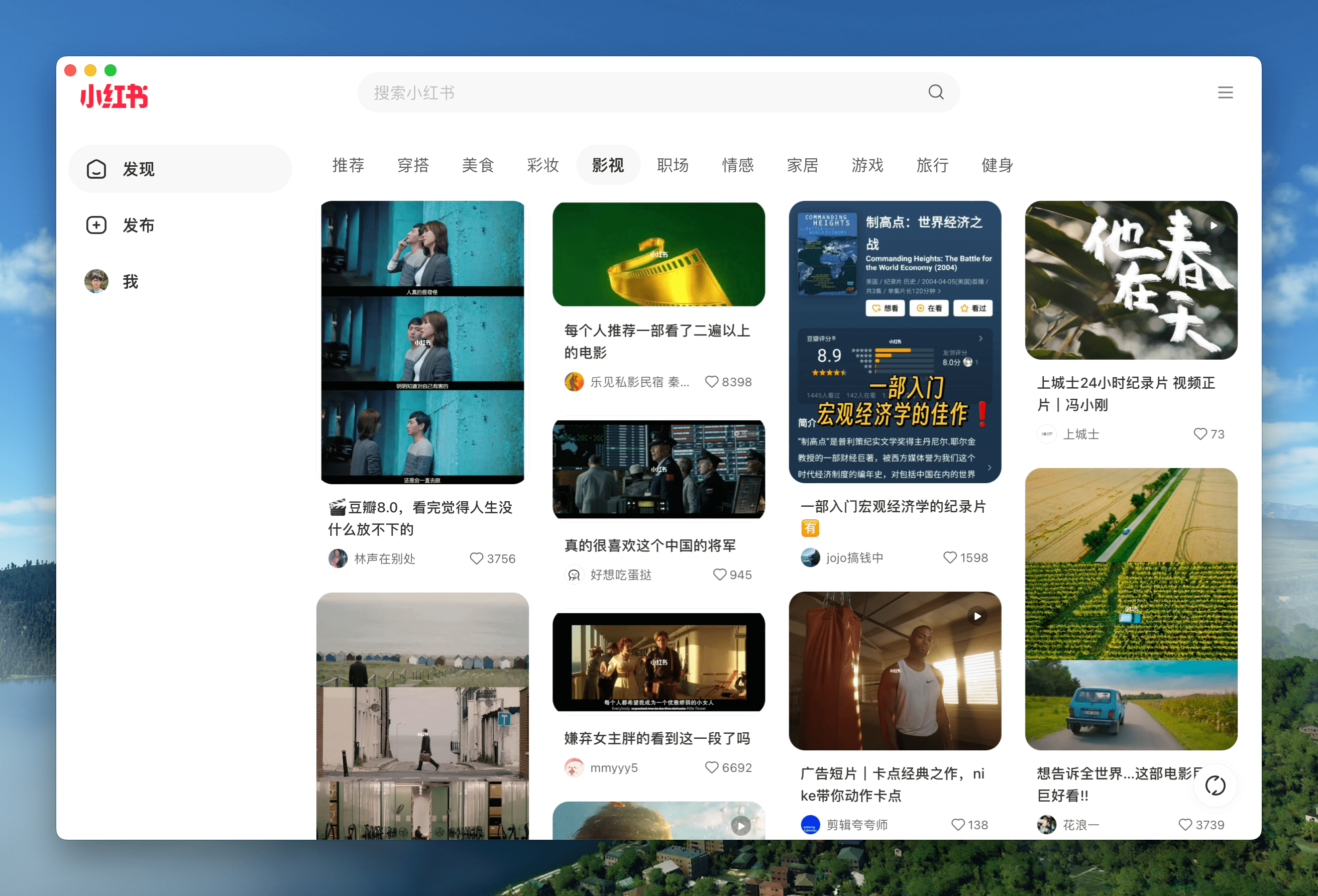
| Excalidraw Mac Windows Linux | XiaoHongShu Mac Windows Linux |
 |
 |
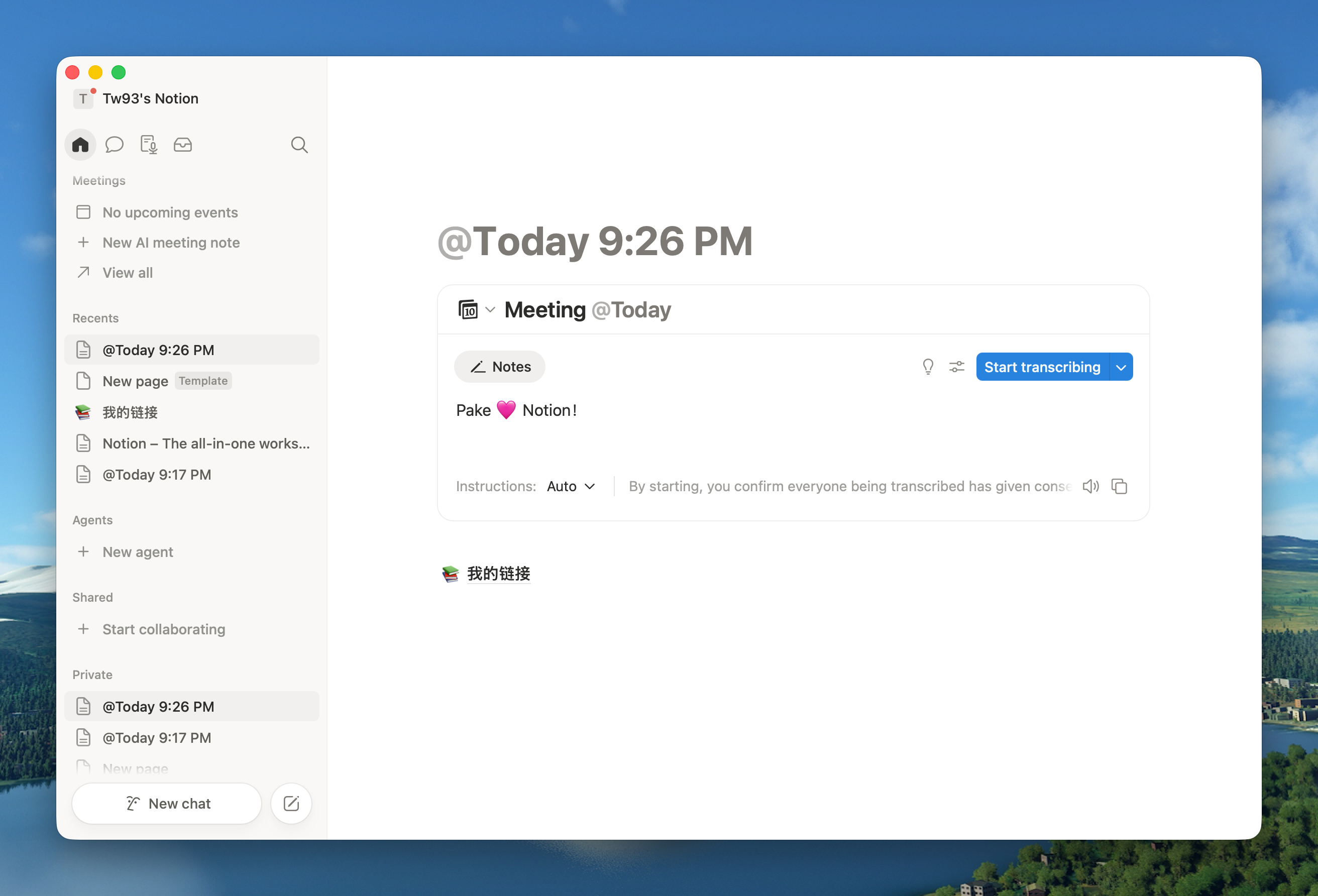
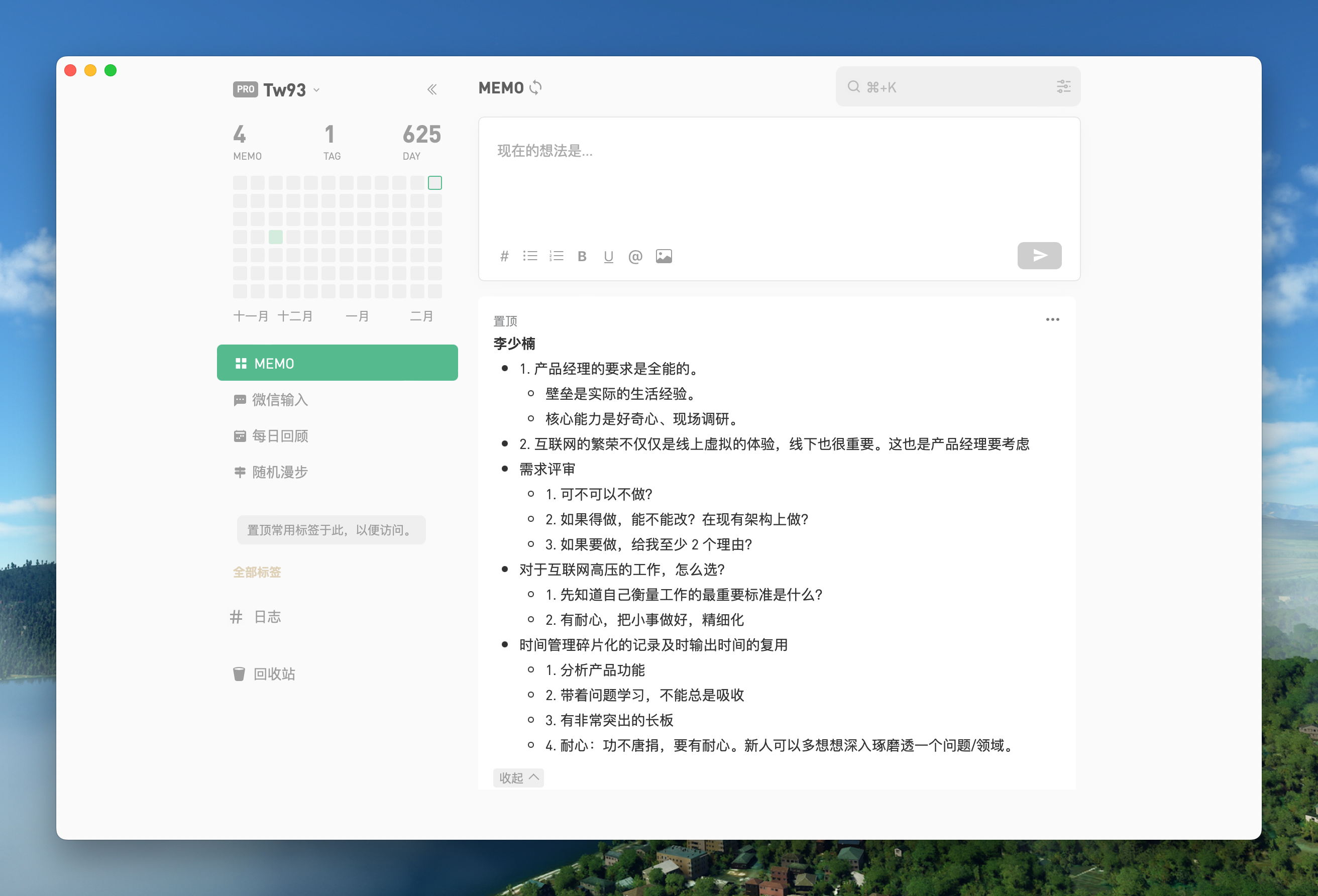
| Notion Mac Windows Linux | Flomo Mac Windows Linux |
 |
 |
🏂 You can download more applications from Releases. Click here to expand the shortcuts reference!
| Mac | Windows/Linux | Function |
|---|---|---|
| ⌘ + [ | Ctrl + [ | Return to the previous page |
| ⌘ + ] | Ctrl + ] | Go to the next page |
| ⌘ + ↑ | Ctrl + ↑ | Auto scroll to top of page |
| ⌘ + ↓ | Ctrl + ↓ | Auto scroll to bottom of page |
| ⌘ + R | Ctrl + R | Refresh page |
| ⌘ + W | Ctrl + W | Hide window, not quit |
| ⌘ + - | Ctrl + - | Zoom out |
| ⌘ + = | Ctrl + = | Zoom in |
| ⌘ + 0 | Ctrl + 0 | Reset zoom |
| ⌘ + L | Ctrl + L | Copy current page URL |
| ⌘ + ⇧ + ⌥ + V | Ctrl + Shift + V | Paste and match style |
| ⌘ + ⇧ + H | Ctrl + Shift + H | Go to home page |
| ⌘ + ⌥ + I | Ctrl + Shift + I | Toggle developer tools (debug only) |
| ⌘ + ⇧ + ⌫ | Ctrl + Shift + Del | Clear cache and restart |
| ⌃ + ⌘ + F | F11 | Toggle native window fullscreen |
Double-click the title bar to toggle fullscreen. On Windows and Linux, --hide-window-decorations gives a frameless window with a top drag region. On Mac, swipe to go back or forward and drag the title bar to move the window, and the menu bar has navigation, zoom and window controls.
Command-Line Packaging
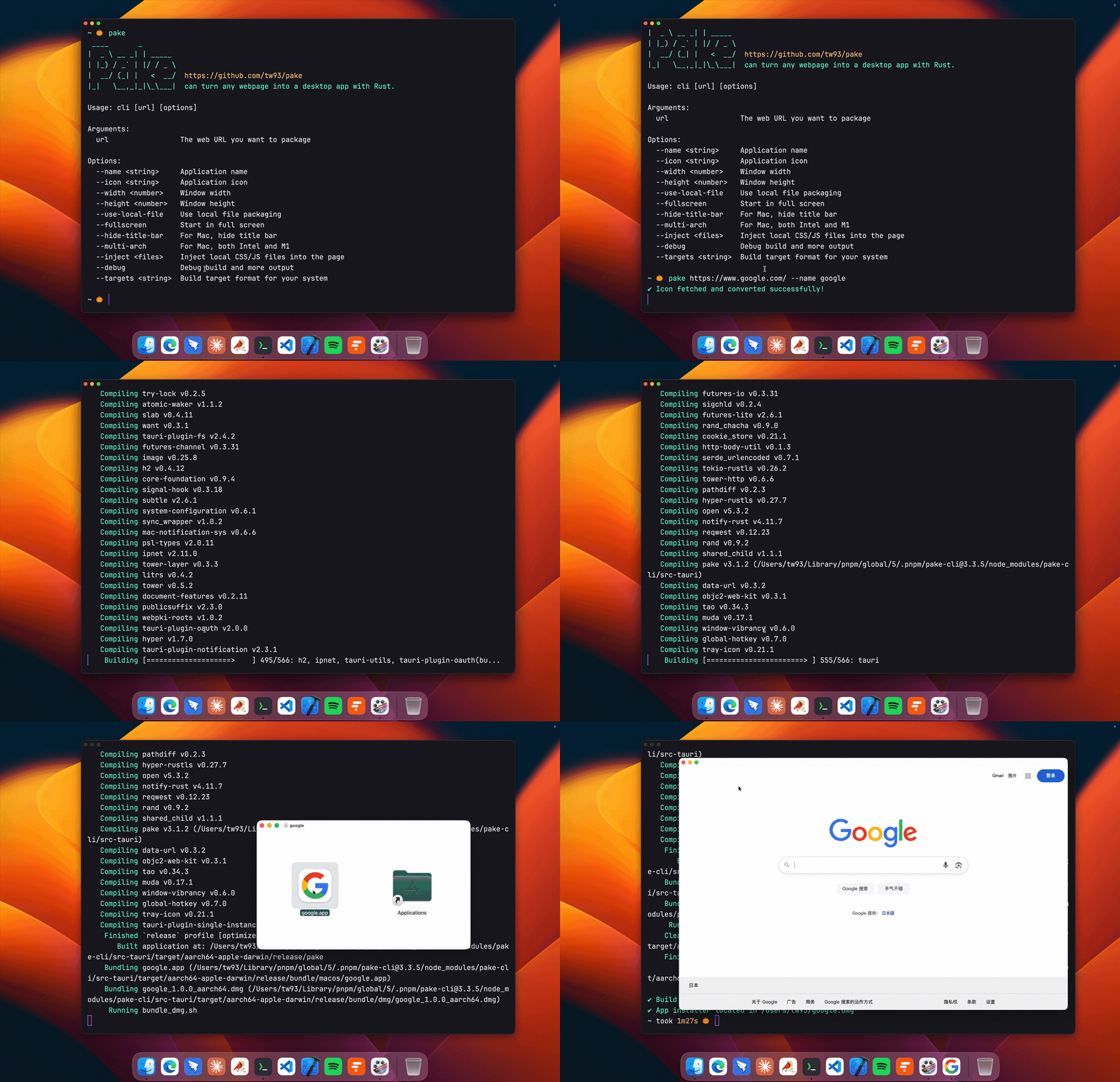
# Install Pake CLI
pnpm install -g pake-cli

# Basic usage, fetches the website icon automatically
pake https://github.com --name GitHub

# Advanced usage, custom options
pake https://weekly.tw93.fun --name Weekly --icon https://cdn.tw93.fun/pake/weekly.icns --width 1200 --height 800 --hide-title-bar
The first build sets up the environment and takes a while, later builds are fast. See the CLI Usage Guide for every option, or try GitHub Actions Online Building if you'd rather skip the command line.
Using Pake from a script or AI agent? Pass --json for machine-readable results, describe apps declaratively with --config app.json (schema), and package local build output directly with pake ./dist --name MyTool. See llms.txt for the full agent contract. The official skill installs like this:
# Claude Code
/plugin marketplace add tw93/Pake
/plugin install pake@pake

# Codex
codex plugin marketplace add tw93/Pake
codex plugin add pake@pake
Copy this to your AI agent to get started:
Use Pake (npm i -g pake-cli) to package webpages as desktop apps. Read https://unpkg.com/pake-cli@latest/llms.txt first; always run pake with --json and parse stdout as a single JSON object. Package <url-or-local-dist> into an app named <AppName>.
Development
Requires Rust >=1.85 and Node >=22 (recommended LTS; >=20.9 also works), see the Tauri documentation for setup. If you are new to this toolchain, the CLI is the easier path.
# Install dependencies
pnpm i

# Local development [right-click to open debug mode]
pnpm run dev

# Build application
pnpm run build
For style customization, feature enhancement, container communication and other advanced features, see Advanced Usage Documentation.
Developers
Pake wouldn't be possible without these incredible contributors. ❤️

Support
- The most direct way to support me is getting Mole for Mac, my paid Mac cleanup app
- If Pake helped you, give it a star, share it, or open an issue or PR, including sites that would make good desktop apps
- I have two cats, TangYuan and Coke, and if Pake makes your life a little easier, feel free to treat them to canned food 🥩
These lovely people already did 🐱

License
Pake is open source under GPL-3.0, see LICENSE and Pake Output Exception; apps you build with Pake are entirely yours to use and distribute. If you fork Pake into your own product, to avoid confusion please give it a different name and credit Pake as the source.